
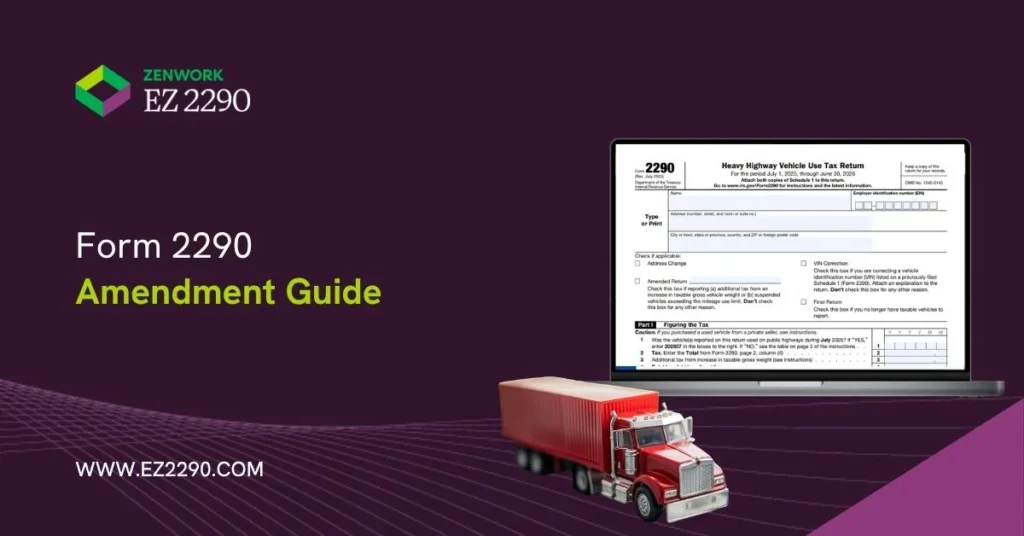
Form 2290 isn’t always file-and-forget. If a vehicle moves into a higher weight category, a suspended vehicle exceeds the mileage limit, or you need to correct a VIN, a follow-up filing may be required.
Learn how to amend IRS Form 2290, including rules, deadlines, and steps and keep reading to see how EZ2290 helps you securely file a Form 2290 amendment online.
Understanding Form 2290 Amendments
A Form 2290 amendment is a follow-up filing for the same tax period used in only two cases: when a vehicle’s taxable gross weight increases and moves into a higher weight category, or when a vehicle filed as suspended later exceeds the mileage limit. In these situations, the IRS requires the Amended Return box to be used so the return reflects the correct tax liability for that period.
VIN corrections are different! A VIN correction is also a follow-up filing for the same tax period, but it is not the same as an amended return for a weight increase or exceeded mileage. That is because a VIN
correction usually does not create any additional tax due.
Common Reasons to Amend Form 2290
The most common reasons are:
- Increase in taxable gross weight
- A suspended vehicle exceeds the mileage limit
- VIN correction
The first two can create tax due. A VIN correction usually does not create extra tax, but it still needs to be filed so the vehicle record and Schedule 1 match.
Amend Form 2290 for Weight Increase
Should a vehicle move into a higher taxable gross weight category during the tax period, the filer must report additional tax for the rest of that period.
Exceeding Mileage Use Limit for Suspended Vehicles
A suspended vehicle is expected to stay at 5,000 miles or less during the tax period, or 7,500 miles or less for an agricultural vehicle. Once that limit is exceeded, the suspension no longer applies, and tax becomes due.
VIN Correction
A VIN correction is needed when the filed VIN does not match the vehicle documents. The IRS says to file a Form 2290 for the same tax period, check the VIN Correction box, and attach a short explanation so the VIN on your Schedule 1 matches.
When to File Form 2290 Amendment?
The answer to “when to file an amended 2290” depends on the type of change. Weight increases and mileage-exceeded cases follow month-based deadlines. VIN corrections should be filed as soon as the error is found.
Deadline for Taxable Gross Weight Increase
If the taxable gross weight increases and the vehicle moves into a higher weight category, the IRS generally requires the amended filing by the last day of the month after the month the increase began. For example, if the increase starts in October, the deadline for the IRS Form 2290 amended return becomes November 30 (or the next business day if November 30 is a holiday or if it falls on the weekend).
Deadline for Mileage Limit Exceeded
When a suspended vehicle exceeds the mileage limit, the filer generally must file by the last day of the month after the limit was exceeded.
Deadline for VIN Corrections
VIN corrections do not follow the same month-based deadline. The safer approach is to submit the correction as soon as the mistake is discovered.
Penalties for Missing Amendment Deadlines
If additional tax is due, filing late or paying late can lead to IRS penalties and interest. If you don’t file the required amendment, the extra tax may remain unpaid, and penalties and interest can keep adding up until it’s paid. Even when no extra tax is due (like a VIN correction), waiting can still delay a corrected Schedule 1 and may cause registration problems if the VIN on Schedule 1 doesn’t match.
How to Amend Form 2290 Online: Step-by-Step Filing Process
For many filers, filing a Form 2290 amendment online is the easiest route. The IRS says eFiling must go through a participating commercial provider.
Step 1: Collect All Necessary Information and Documents
Gather your filing details, including your EIN, VIN, tax period, and the specific change being reported. In case of a weight or mileage case, you’ll need to indicate the month when the change occurred.
Step 2: Select the Right Type of Amendment
You’ll find check boxes on Form 2290. Tick the Amended Return option for a taxable gross weight increase. Use the VIN Correction option when the VIN filed was incorrect.
Step 3: Fill the Amendment Form
You have to put in the business and vehicle information. Correct the information that is related to the amendment only. In the case of VIN corrections, the IRS also says that an explanation statement is required.
Step 4: Calculate and Pay the HVUT (Heavy Vehicle Use Tax)
In case of a higher weight category or a suspended vehicle that exceeds the mileage limit, additional tax may be due. The amount of additional tax that needs to be paid depends on the month the change started.
Step 5: Submit and Access Schedule 1
Submit through an authorized provider and track the filing status. EZ2290 filers can complete amendment workflows online easily and access Schedule 1 after IRS acceptance.
Real-Life Scenarios
| Scenario | Situation/Details | Correct Filer Action and Outcome |
|---|---|---|
| Weight increase | A truck moves to a higher taxable gross weight category mid-year | File a taxable gross weight amendment for the correct month and pay any added tax |
| Mileage limit exceeded | A suspended vehicle goes over its mileage threshold | Amend the return to report the vehicle as taxable for the correct month |
| VIN correction | The filed VIN does not match the vehicle documents | Submit a VIN correction so IRS records and Schedule 1 match |
| Fleet update | One vehicle in a fleet changes weight category | Amend only the affected vehicle, not the full fleet filing |
Is There a Separate Form for a Form 2290 Amendment?
No. There is no separate IRS form called a “Form 2290 amendment form.” Filers use the same Form 2290 for the correct tax period and select the right box based on the correction needed. The IRS Form 2290
includes separate checkboxes for Amended Return and VIN Correction.
While filing an amendment, you’ll need to use the Amended Return box only when the filing reports additional tax due to a taxable gross weight increase or when a suspended vehicle exceeds the mileage use limit.
However, you have to check the VIN Correction box when the VIN listed on a previously filed Schedule 1 needs to be corrected. For a VIN correction, the IRS also says to use Form 2290 for the tax period being corrected and attach an explanation statement.
FAQs
1. When should a filer amend IRS Form 2290?
After filing a Form 2290, an amended return is generally needed for the same tax period when the vehicle moves into a higher weight category due to a taxable gross weight increase, or when a suspended vehicle goes over the mileage limit.
2. Does a VIN correction require paying additional HVUT?
Usually no. It corrects the vehicle record and Schedule 1 details.
3. Can a filer amend Form 2290 online?
Yes. The IRS allows eFiling through participating commercial providers.
4. Is a weight increase amendment the same as refiling the original return?
No. A weight increase amendment filing is a separate filing for the same tax period after the vehicle moves into a higher taxable category.